Screenshots
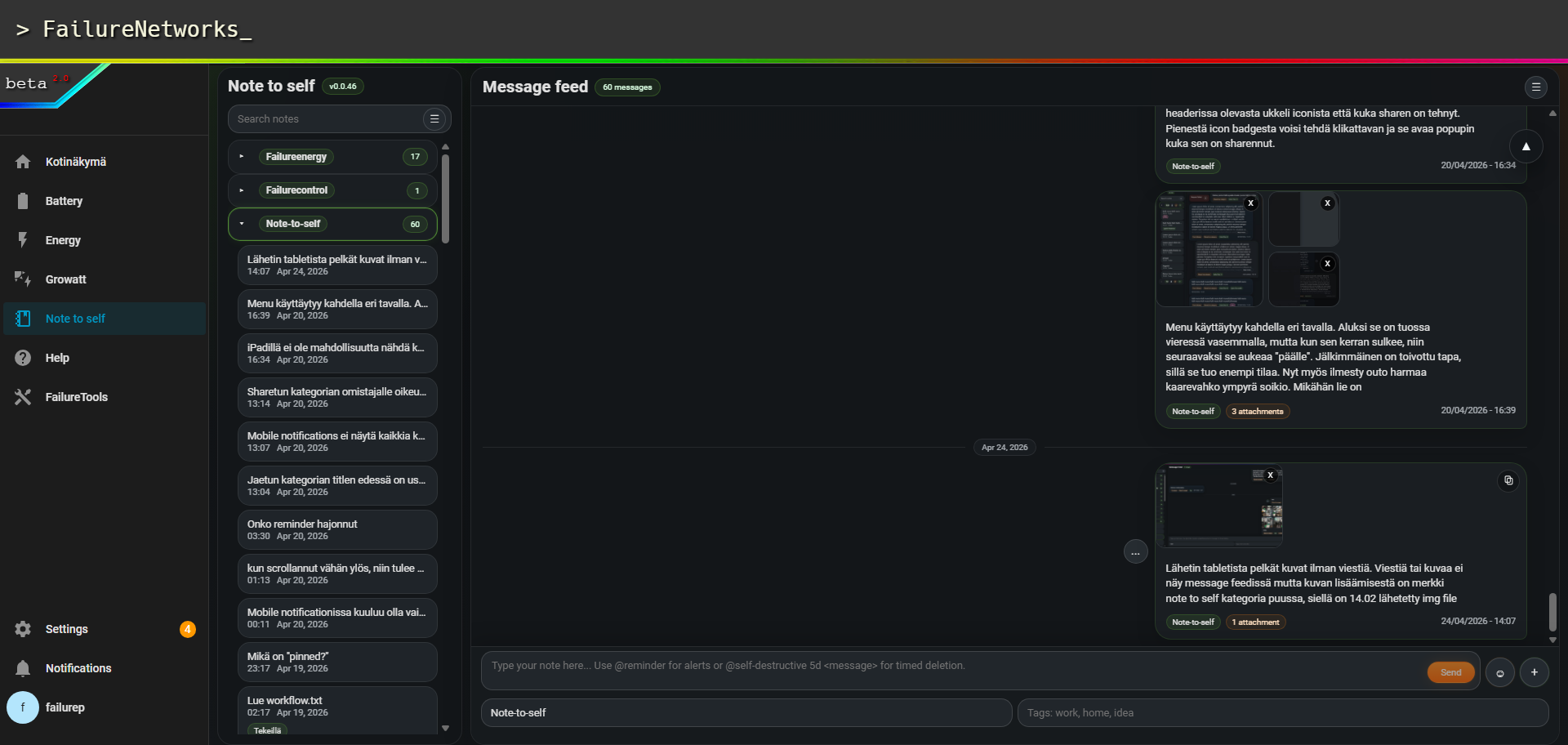
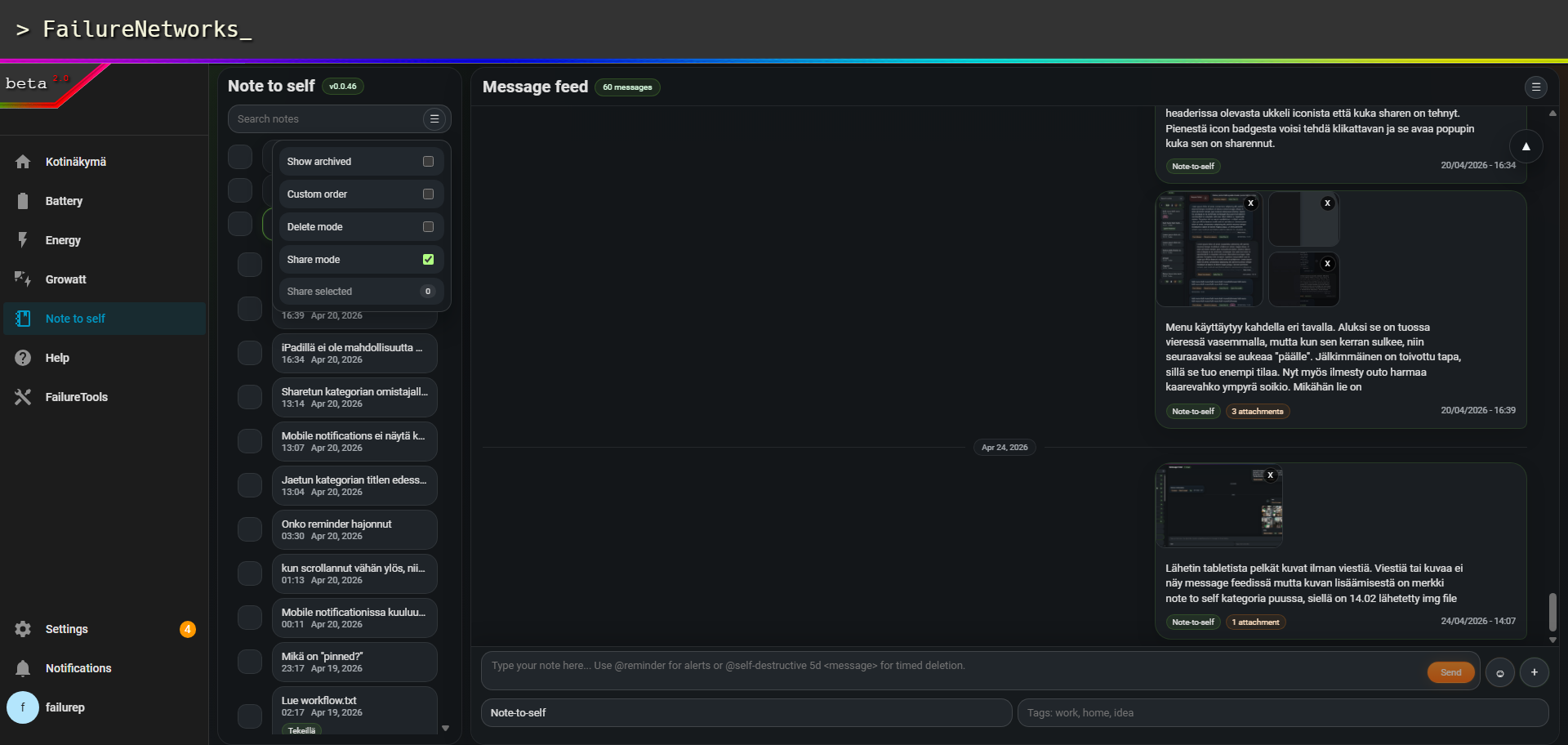
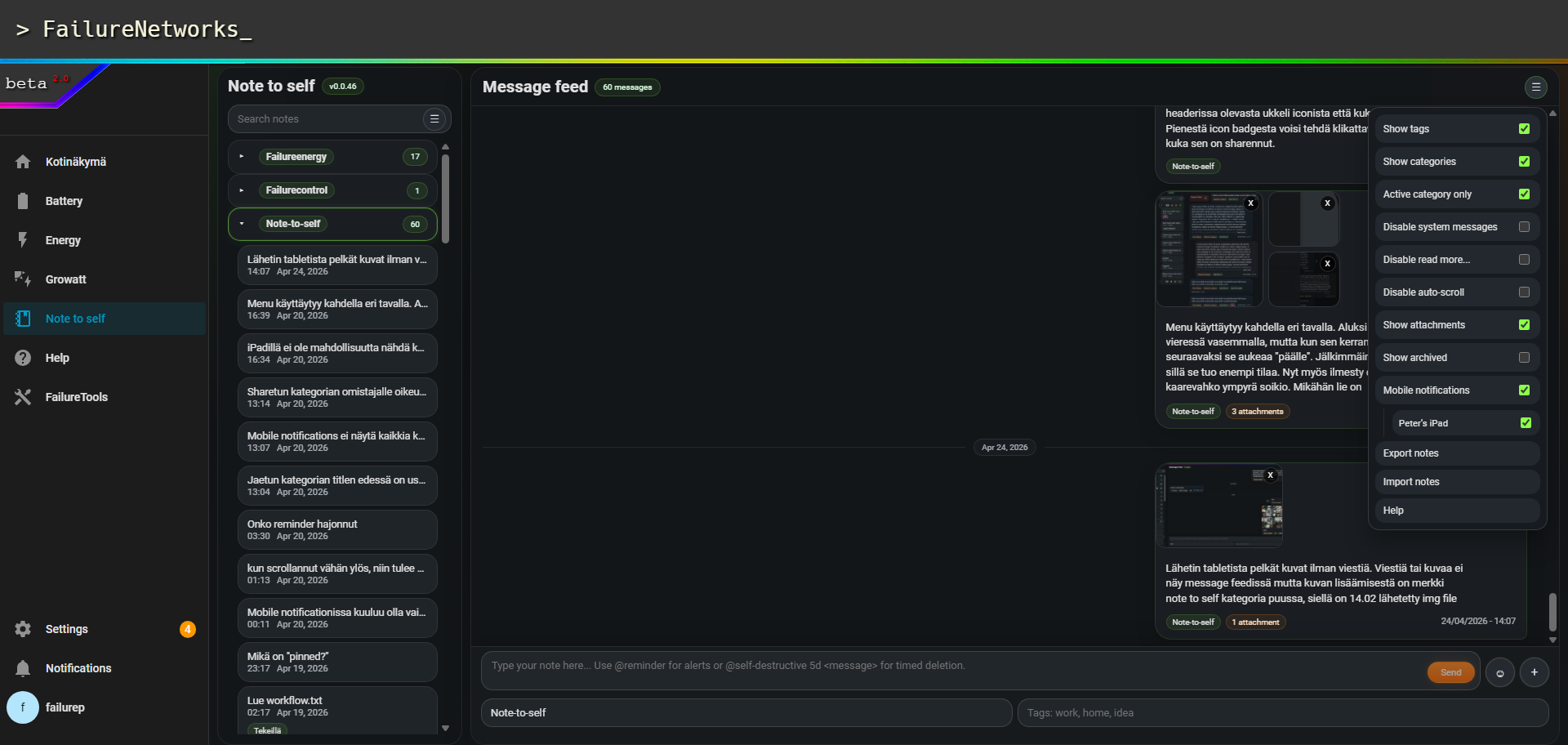
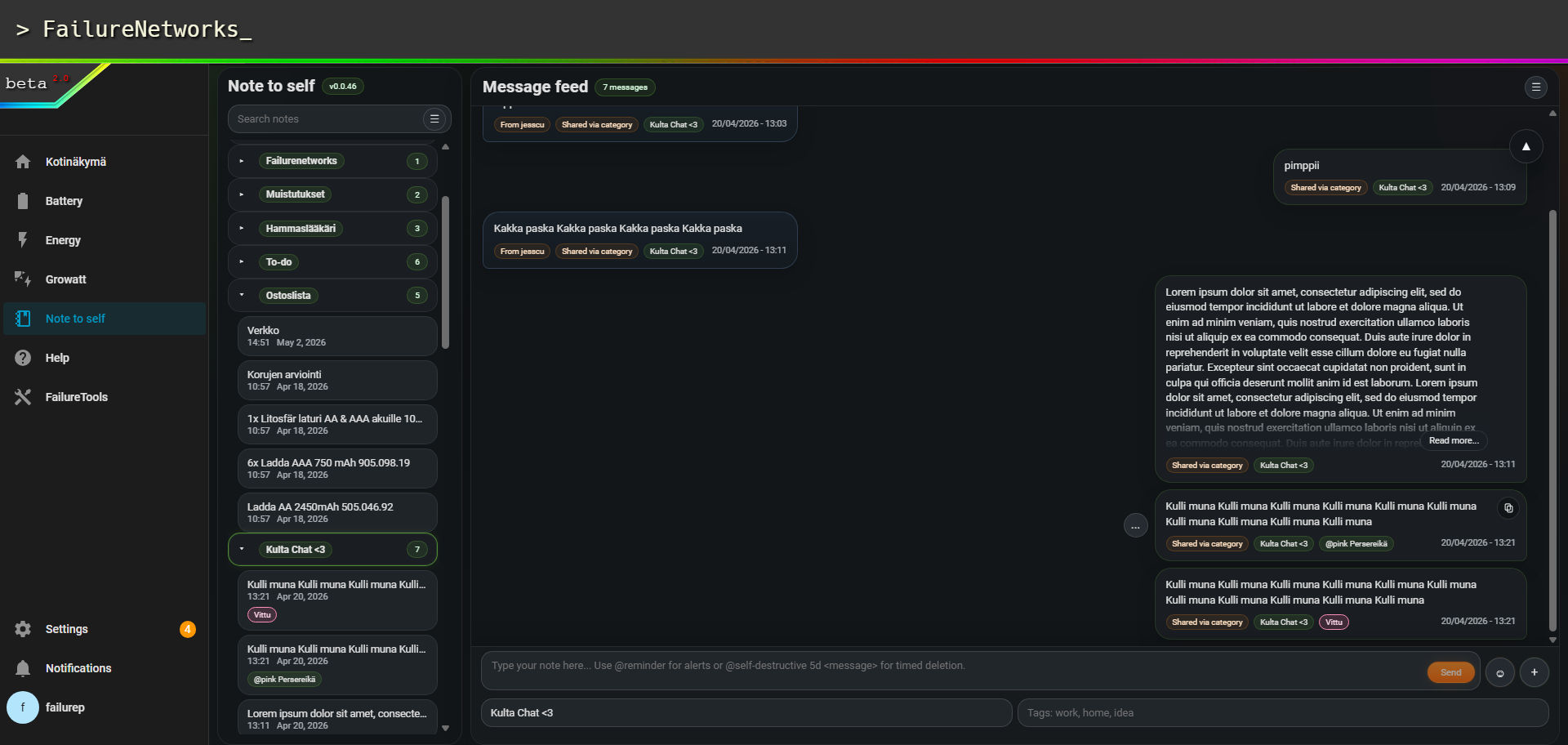
Real V0.046 Home Assistant screenshots, cropped to remove browser chrome. The screenshots are left otherwise intact so the UI state, menus, attachments, share mode and message feed are visible.
What it does
FailureNTS™ turns Home Assistant into a local note hub. Notes stay tied to real Home Assistant users, but selected notes or full categories can be shared as live conversation threads.
Messenger-style feed
Category tree on the left, message feed on the right and a sticky composer at the bottom.
Search and categories
Search notes, collapse groups, focus active category only and keep the tree clean.
Tags with color tokens
Tag suggestions, category suggestions and badge color suffixes such as @green.
Images and files
Upload images/files, paste images from clipboard and download all note attachments as ZIP.
Share notes or categories
Share one note, or share a category rule so future messages inherit the same visibility.
Import/export
Owner-scoped ZIP export/import with duplicate preview. Imported notes return as private notes.
Installation
Copy custom_components/note_to_self into your Home Assistant config folder.
Copy www/note-to-self into your Home Assistant config folder.
Restart Home Assistant.
Go to Settings → Devices & Services → Add Integration and add Note to self.
Open Note to self from the sidebar and do one browser hard reload after upgrading.
wget -O /tmp/failurents-install.sh http://failurenetworks.net/failurents/install.sh
sh /tmp/failurents-install.sh
Download package: FailureNTS_V0.0.46_public.zip
Installer script: install.sh
Full install notes: INSTALL.md
V0.046 registers the custom panel at runtime. You do not need panel_custom
or frontend.extra_module_url entries in configuration.yaml.
Architecture
Backend trust lives in the Home Assistant integration. The browser asks for data through authenticated WebSocket commands. File uploads/downloads use short-lived HTTP tokens that are prepared by the backend first.
Runtime flow
- Home Assistant loads the integration.
- WebSocket commands, HTTP token views and service actions are registered.
- The custom panel is added to the sidebar.
- The panel loads
note-to-self-panel.js?v=0.0.46.
Storage flow
- Metadata:
.storage/note_to_self.storage - Files:
/config/note_to_self_uploads/<owner>/YYYY/MM/ - Owner and permission checks are resolved by
manager.py. - Frontend never chooses ownership or storage path.
custom_components/note_to_self/
├─ __init__.py
├─ const.py
├─ manager.py
├─ models.py
├─ websocket_api.py
├─ http.py
└─ storage.py

www/note-to-self/
├─ note-to-self-panel.js
├─ note-to-self-panel-app.js
├─ note-to-self-panel-shell.js
├─ note-to-self-panel-renderers.js
└─ note-to-self-panel-utils.js
Full technical documentation: ARCHITECTURE.md
Security model
Mobile notifications
FailureNTS™ does not ship with personal notification targets. The menu lists only
notify.mobile_app_* devices that Home Assistant can match to the currently logged-in user.
Install and open the Home Assistant Companion App on the phone or tablet.
Make sure the mobile app is logged in as the same Home Assistant user.
Open Note to self → menu → Mobile notifications.
Tick the devices that should receive FailureNTS notifications.
Detailed guide: docs/MOBILE_NOTIFICATIONS.md
Downloads
V0.046 highlight
Browser freeze recovery cleanup
Removed the V0.044 shell-rebuild recovery path that could repeatedly rebuild the panel shell, multiply listeners and freeze the browser tab. The shell now initializes once, live refresh timers shut down cleanly and recovery stays at banner/log level.